I Have Claude Desktop. Why Did I Install NanoClaw?
Claude Desktop is a solo app. If you want AI in your team chat, automated daily briefings, and a codebase you can actually read — NanoClaw.
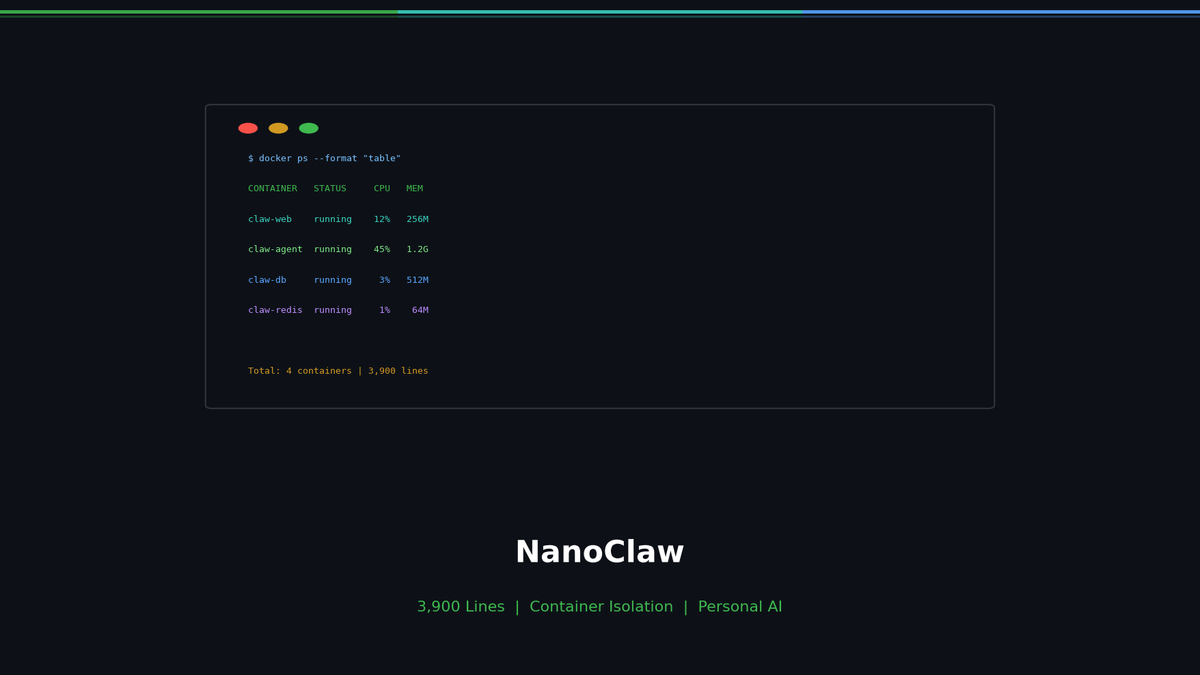
I Have Claude Desktop. Why Did I Install NanoClaw?
Claude Desktop was working fine. Ask a question, get an answer. Attach a file, get analysis. But there was one thing I kept wanting.
"I want to drop an AI into my team's group chat."
Someone asks a question in Slack, AI answers. A news summary lands in my WhatsApp every morning. A weekly report shows up every Friday automatically. Claude Desktop is fundamentally a personal desktop app — it's not built for "chat platform bot + scheduled automation" use cases.
NanoClaw fills that gap. It currently has 17,000+ GitHub stars (as of 2026-03-02) and is designed to be "an agent deployed into chat platforms, not just a personal tool."
How It Differs from Claude Desktop
| Claude Desktop | NanoClaw | |
|---|---|---|
| Interface | Dedicated desktop app | WhatsApp-first + (Telegram/Slack/Discord via extensions) |
| Users | Just me | Can be dropped into group chats as a bot |
| Scheduling | Not a built-in feature | Recurring jobs supported |
| Execution environment | App-level | Container-based by default (Apple Container/Docker) |
| MCP servers | Supported | Supported (by project design) |
| Multi-agent | Not built-in | Agent Swarms (multi-agent collaboration) |
Two key differences.
You use AI inside chat apps you already have. No app switching — just message it on WhatsApp or Slack.
It's not solo — teams can use it together. Drop it in a group chat and anyone in that group can talk to the AI.
What's Good
Setup is fairly straightforward
The Quick Start flow looks roughly like this:
git clone https://github.com/qwibitai/NanoClaw.git
cd NanoClaw
claude
Inside Claude Code:
/setupPer the README, /setup handles dependencies, authentication, container setup, and service configuration. For the WhatsApp flow, there's a QR code scanning step that requires user interaction.
Scheduling is convenient
NanoClaw supports "recurring jobs." Instead of opening an app every morning to ask for a news summary, you can have it sent to you automatically.
For example (wording is illustrative):
Send me an AI news summary every weekday at 9am
Summarize this week's changes every Friday
Send a weekly sales report every Monday at 8am
Claude Desktop can do "summarize the news right now," but scheduling automated delivery is outside its built-in feature set.
Container isolation is close to the default
NanoClaw is designed so that agents run inside Linux containers (the docs mention Apple Container for macOS, Docker for others).
The intent is to handle potentially risky actions like Bash command execution inside containers rather than directly on the host. (That said, absolute claims like "can never access the host" depend on configuration, mounts, and permissions — it's more accurate to say the design reduces exposure.)
Per-group memory and environment separation
Per the documentation, each group gets its own memory file (CLAUDE.md), and execution environments are designed to be separated per group. The goal is to prevent conversations and context from one group (say, work) from leaking into another (say, family).
The core is small (with a precise caveat)
A frequently cited point from Andrej Karpathy's commentary is that "the core engine is ~4,000 lines — manageable, auditable, flexible."
So the reason to choose NanoClaw isn't "it has more features." It's that the automation bot handling your data is small enough for you to read and understand.
Multi-Platform
WhatsApp is the primary platform. Others are added as "skills" (extensions). The docs mention Telegram, Slack, Discord, and others.
(Exact commands and flows may vary by version — the most reliable reference is the latest README in the repo.)
Customization
NanoClaw aims for natural-language customization via Claude Code, minimizing direct config file editing. For example:
Change the trigger word
Make responses shorter
Reply in Korean
Agent Swarms (Multi-Agent)
NanoClaw promotes "Agent Swarms" — multiple agents dividing roles and collaborating in parallel. However, claims like "industry first" are difficult to verify across all comparable tools, so it's safer to say the feature is supported and actively promoted.
Practical Use Cases
- Daily news briefing — delivered to WhatsApp/Slack before work
- Automatic code review on Slack when PRs are opened (if configured)
- Team channel Q&A based on internal docs (depending on setup)
- Weekly report generated every Friday
- Family group travel planning
The key: everything starts with a single message in a chat app you're already using.
Bottom Line
Claude Desktop is a good personal app. It's more than enough for solo use.
But if any of these apply to you, NanoClaw may be the better fit:
- You want AI in your team's group chat
- You want automated daily/weekly summaries and reminders
- You want to be able to verify what your automation bot is doing at the code level
NanoClaw is available as MIT open source.
References: NanoClaw GitHub · Official Site · Docker Integration Guide · Hacker News Launch